

Smartphones today can feel like a maze. You’re not alone if you’re overwhelmed by all the features and options. It seems like every device is loaded with functions that complicate rather than simplify life.
Many of us just want something straightforward.
In this article, I’ll help you cut through the noise to find user-friendly smartphones that prioritize ease of use. You deserve a phone that doesn’t leave you feeling frustrated or confused.
With years of experience analyzing user-friendly technology, I understand what people really need. This isn’t just guesswork. I’ve sifted through countless device reviews and listened to real user feedback.
You’ll discover what makes a smartphone accessible and enjoyable, whether you’re tech-savvy or not.
I aim to help you to choose a phone that fits your lifestyle without sacrificing important features.
Let’s get through this together and find the right device for you.
Get ready to make a confident choice in this complex world of tech.
What Makes a Smartphone Truly ‘Easy to Use’?
When I think about user-friendly smartphones, I focus on simplicity. A clear, uncluttered interface is key. Big icons, legible text.
These are not just nice-to-haves. They’re important. Who wants to squint at their screen or fumble through tiny icons?
No one.
Intuitive navigation is another must. Whether it’s physical buttons for home and back or predictable on-screen gestures, ease of use matters. You shouldn’t have to think twice about how to get where you want to go.
Accessibility features are key. Voice controls, screen magnification, and hearing aid compatibility can make a world of difference (especially for those with specific needs). Simplified menus are a blessing too.
Performance and battery life can’t be ignored either. A slow phone is frustrating. Constantly charging is worse.
You need reliability, plain and simple.
Hardware matters too. A comfortable grip, durable build, and clear audio can make or break the experience. Ever tried holding a slippery phone while on a call?
It’s a nightmare.
Curious about tech beyond smartphones? Check out the top smartwatches fitness for more on staying connected and active.
It’s all about making life easier, isn’t it?
Simplified Software: iOS vs. Android and Custom Launcher
Let’s talk about simplicity in user-friendly smartphones. iOS is often called intuitive for a reason. Apple’s design is consistent, apps are organized, and the whole experience feels guided. You know where everything is (unless they update and change it again).
Android, on the other hand, offers more customization, but that doesn’t mean it’s not simple. Some versions, or “skins,” are streamlined. Ever heard of ‘Simple Mode’ or ‘Easy Mode’?
These options on Android devices can make things straightforward for users who prefer less clutter.
Now, here’s where it gets interesting. Third-party launchers like Big Launcher or Simple Launcher can change the game. They transform a standard Android interface into something with large buttons and important functions.
It’s like having a personal assistant who knows exactly what you need.
So, how do you choose? Evaluate your needs. Do you value the guided experience of iOS or the flexibility of Android?
Are you tech-savvy or do you prefer something straightforward? The decision isn’t just about brand loyalty. It’s about finding what makes your phone feel like an extension of you.
Remember, the best phone for you is the one that makes your life easier, not more complicated.
User-Friendly Smartphones: Top Picks for Everyday Life
Let’s talk about phones that make life simple. First up, the Jitterbug Smart3. This one’s a real gem for seniors (or anyone who craves simplicity).
It’s got large icons, a straightforward menu, and even a dedicated button for emergencies. There’s no need to get lost in an app maze when you can have everything you need at a glance.
Now, the iPhone SE. I’ve seen it work wonders for folks who want something familiar without the frills. It’s compact, which means it fits right in your pocket.
Plus, it runs on the same iOS as its pricier siblings, so you’re not missing out on the good stuff.
And let’s not forget certain Samsung Galaxy models. They offer an “Easy Mode” that simplifies the interface. It’s perfect for those who need a breather from tech overload.
You get a user-friendly experience without losing out on important features.
Want more options? Check this overview for a broader look at user-friendly smartphones. Easy doesn’t mean basic.
It means phones that make everyday tech less of a headache. That’s something we can all get behind, right?
Simplifying Your Smartphone: Important Apps and Settings
Let’s talk about making your smartphone truly user-friendly. First, what apps are cluttering your screen? Simplifying starts with focusing on the essentials.
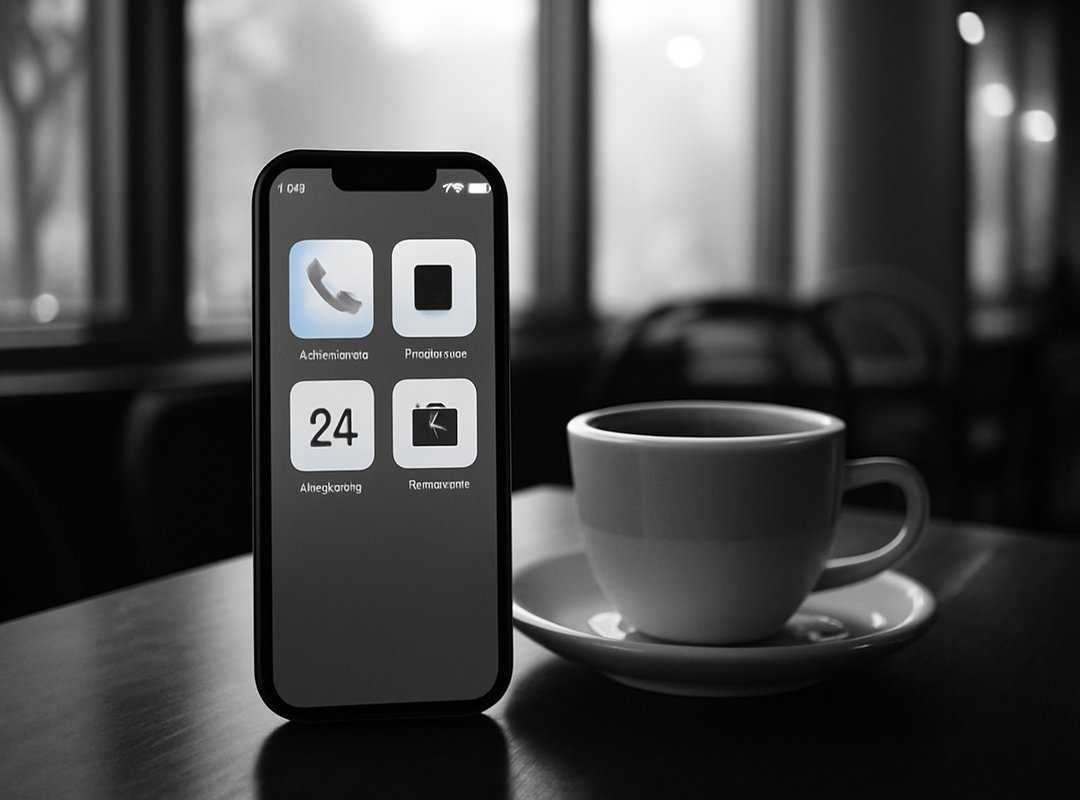
Ditch those you never use. Try WhatsApp with large text settings for clearer communication. How about weather apps with straightforward layouts?
No more tapping through endless menus.
Next, let’s adjust those settings. Increasing font size is like putting on glasses. Everything becomes clearer.
And enabling ‘dark mode’? It’s like sunglasses for your screen (good for late-night scrolling). Organize your home screen too.
Keep it simple, just like your favorite playlist. And notifications? Turn down the noise by managing them.
Trust me, silence is golden.
Now, for peace of mind, set up your emergency contacts. Add your medical info (a) lifesaver in emergencies (literally). And don’t forget SOS features.
They’re key.
Finally, organize apps and widgets for quick access. Position the most-used apps front and center, just like your favorite spot on the couch. Pro tip: use folders to cut down clutter.
Your phone shouldn’t be a jigsaw puzzle. Keep it neat.
Smartphones can overwhelm, but these tweaks can make all the difference. Simplify for clarity and peace.
Common Smartphone Hiccups: How to Glide Through
I get it. Even user-friendly smartphones can have their moments. Like accidentally dialing your boss at midnight.
How do you fix that? Let a screen lock or use guided access. It’ll save you some awkward moments.
Another classic issue? Battery life. It’s like trying to keep up with a toddler.
Close those sneaky background apps, dim the screen brightness, and rethink your charging habits. It matters.
Then there’s the dreaded app freeze. No one likes a non-responsive phone. Force close the app or restart your phone.
Quick and easy, right?
Patience is key here. It’s a learning curve, so don’t shy away from asking for help. Family, friends, or the internet.
You bet.
They’re your support team. I even set up a ‘tech support’ contact in my phone. Life-saving?
Looking for Best Tablets Multitaskers? That’s your next stop. Let’s keep those tech frustrations at bay. Stay in control without breaking a sweat.
Take Control of Your Connection
You now have the knowledge to tackle the smartphone market head-on. I get it. The world of tech can feel overwhelming.
But remember, user-friendly smartphones exist to make your life easier.
By focusing on intuitive design and practical software, these devices can become your daily companions.
Don’t hesitate to test out models in person. You deserve a smartphone that fits your needs.
So explore the options we discussed. Choose a device that allows you to connect seamlessly.
Your next step? Dive into the tech world with confidence.
Visit ElectRentertainment.com for more takeaways and tips. Let’s help your digital experience together.
Take action now. Your ideal smartphone is waiting for you.
 Digital Entertainment & Trends Analyst
Xlythara Gleam is the Digital Entertainment & Trends Analyst at ElectRentertainment.com, responsible for tracking and interpreting the latest developments in digital media, gaming, streaming platforms, and entertainment technology. She conducts in-depth research on emerging gadgets and industry shifts, providing insights that help guide the platform’s content strategy and editorial direction. Her analysis ensures the company stays ahead of evolving tech trends and audience behavior patterns. By transforming data into actionable insights, she contributes to shaping forward-thinking content that reflects the future of digital entertainment. Her role is crucial in keeping ElectRentertainment.com relevant, informed, and consistently aligned with global innovation trends.
Digital Entertainment & Trends Analyst
Xlythara Gleam is the Digital Entertainment & Trends Analyst at ElectRentertainment.com, responsible for tracking and interpreting the latest developments in digital media, gaming, streaming platforms, and entertainment technology. She conducts in-depth research on emerging gadgets and industry shifts, providing insights that help guide the platform’s content strategy and editorial direction. Her analysis ensures the company stays ahead of evolving tech trends and audience behavior patterns. By transforming data into actionable insights, she contributes to shaping forward-thinking content that reflects the future of digital entertainment. Her role is crucial in keeping ElectRentertainment.com relevant, informed, and consistently aligned with global innovation trends.